
OneShot: World Machine Edition
on Android
An unofficial fan port — carry the light with you.

Android 6.0+ · Sideload required · Non-commercial fan port
What is this?
OneShot on your phone
OneShot: World Machine Edition is the expanded re-release of the cult RPG by FutureCat — a quiet, strange game about Niko, a small child carrying a lightbulb sun through a world on the edge of dying out. A world that, notably, knows you're there.
This is an unofficial fan port that brings the full WME experience to Android. No emulator, no wrapper app, no RetroArch setup — just an APK you install and play. It includes all World Machine Edition content: the Solstice route, the Barrens, all WME-exclusive areas, and the original soundtrack.
OneShot and all related assets belong to FutureCat. This port is made out of love, not for money. If you haven't played OneShot yet, buy it on Steam first — it's worth it.

Do you think… the sun will make it home okay?
Current Release
Version info
Stable builds for general use. Tested before publishing. Unless you're helping with testing, this is what you want.
Early-access builds with new features that may not be fully stable yet. Great for testers. Save often.
Getting started
Setup & ResAdder
You'll need a legitimate copy of OneShot or OneShot: World Machine Edition on Windows, Linux, or macOS. The port doesn't bundle game assets — you supply them from your own copy.
ResAdder packages your game files into the APK automatically. Put your content and gamedata folders (from your PC copy of the game) and the downloaded APK in the same folder as the extracted ResAdder tool, then run it. It handles everything else — no manual file copying.
Once ResAdder finishes, you'll have a ready-to-install APK with your game files baked in. Transfer it to your device and sideload it.
Enable Install from unknown sources in your Android settings before sideloading. adb install also works.
What's in the port
Features
In-game system
The World Machine
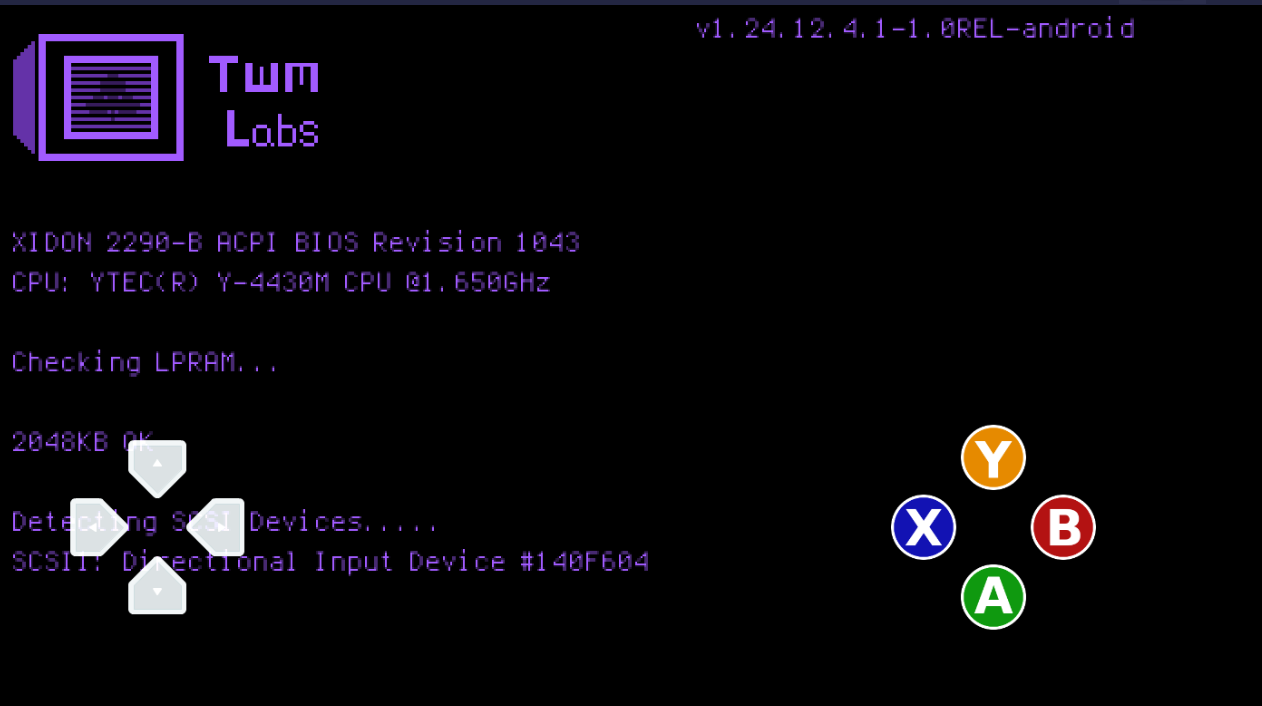
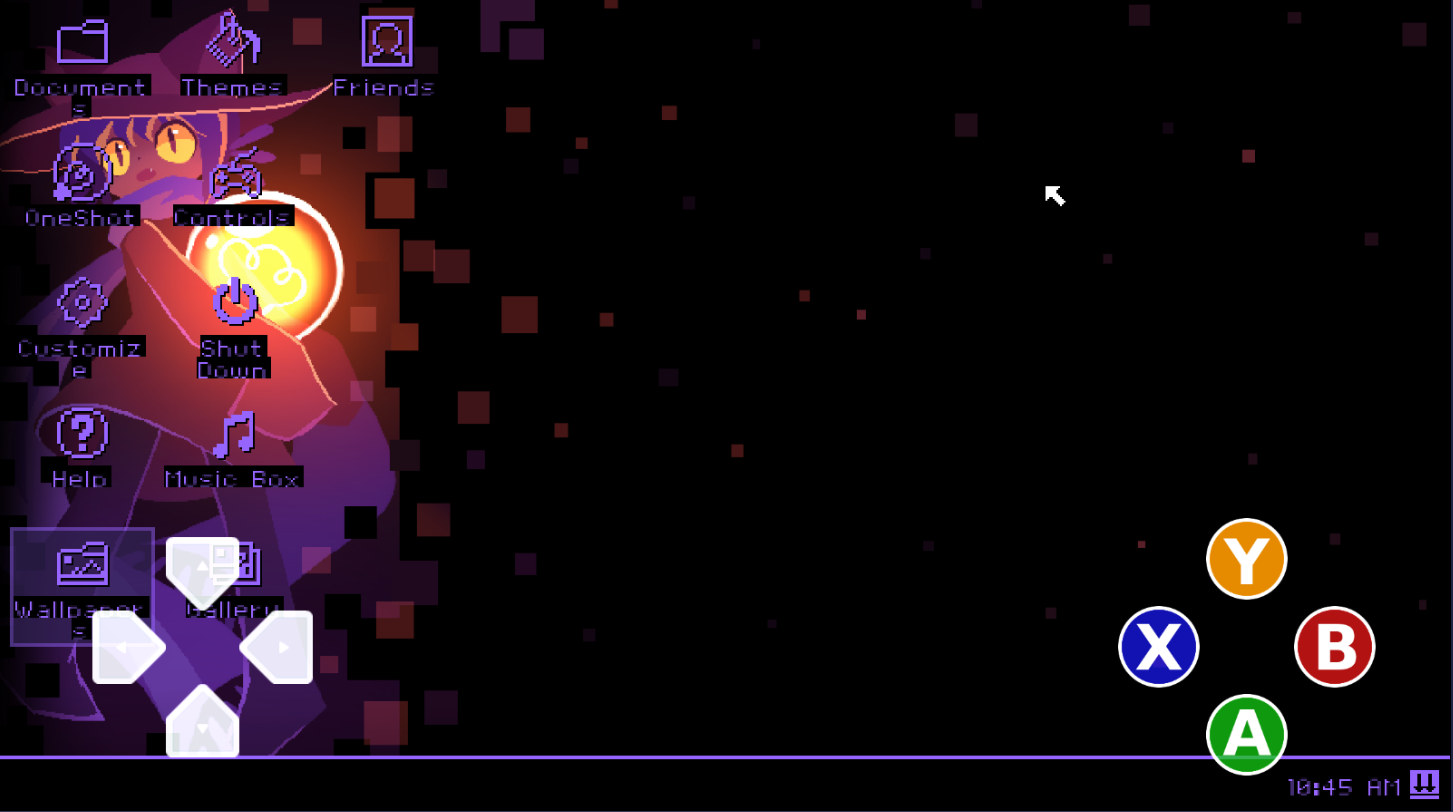
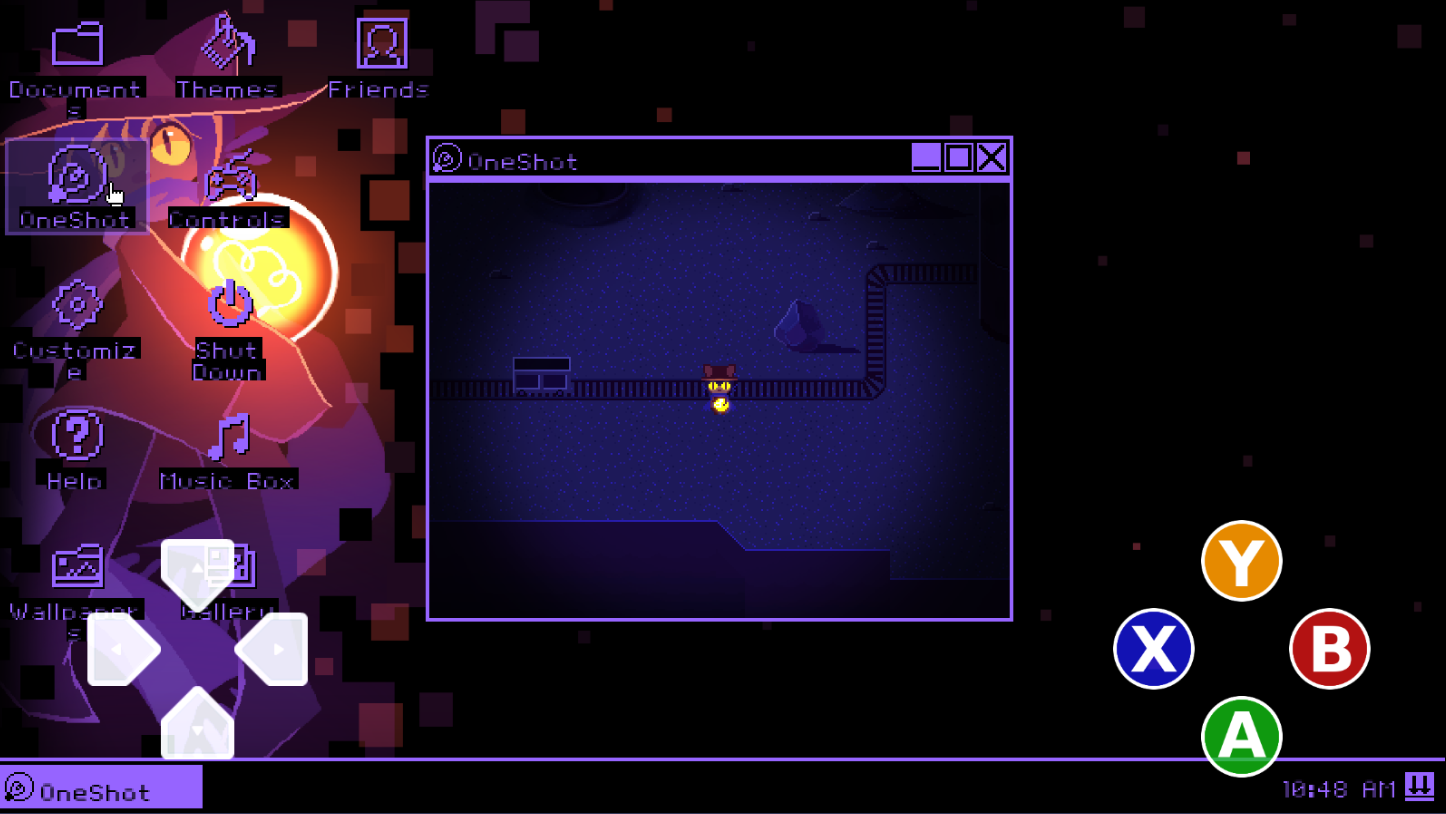
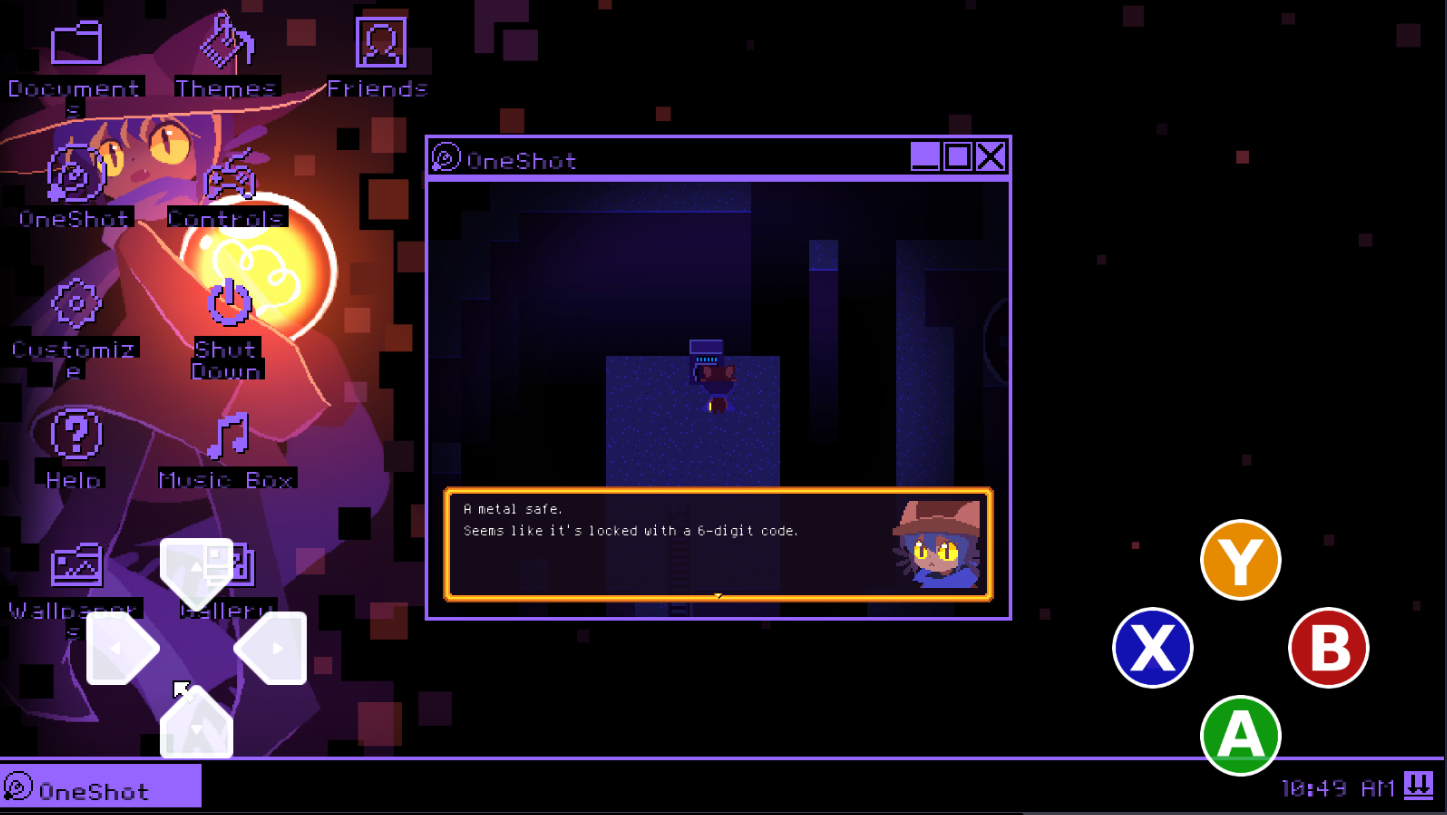
Gameplay
Screenshots
Input mapping
Controls
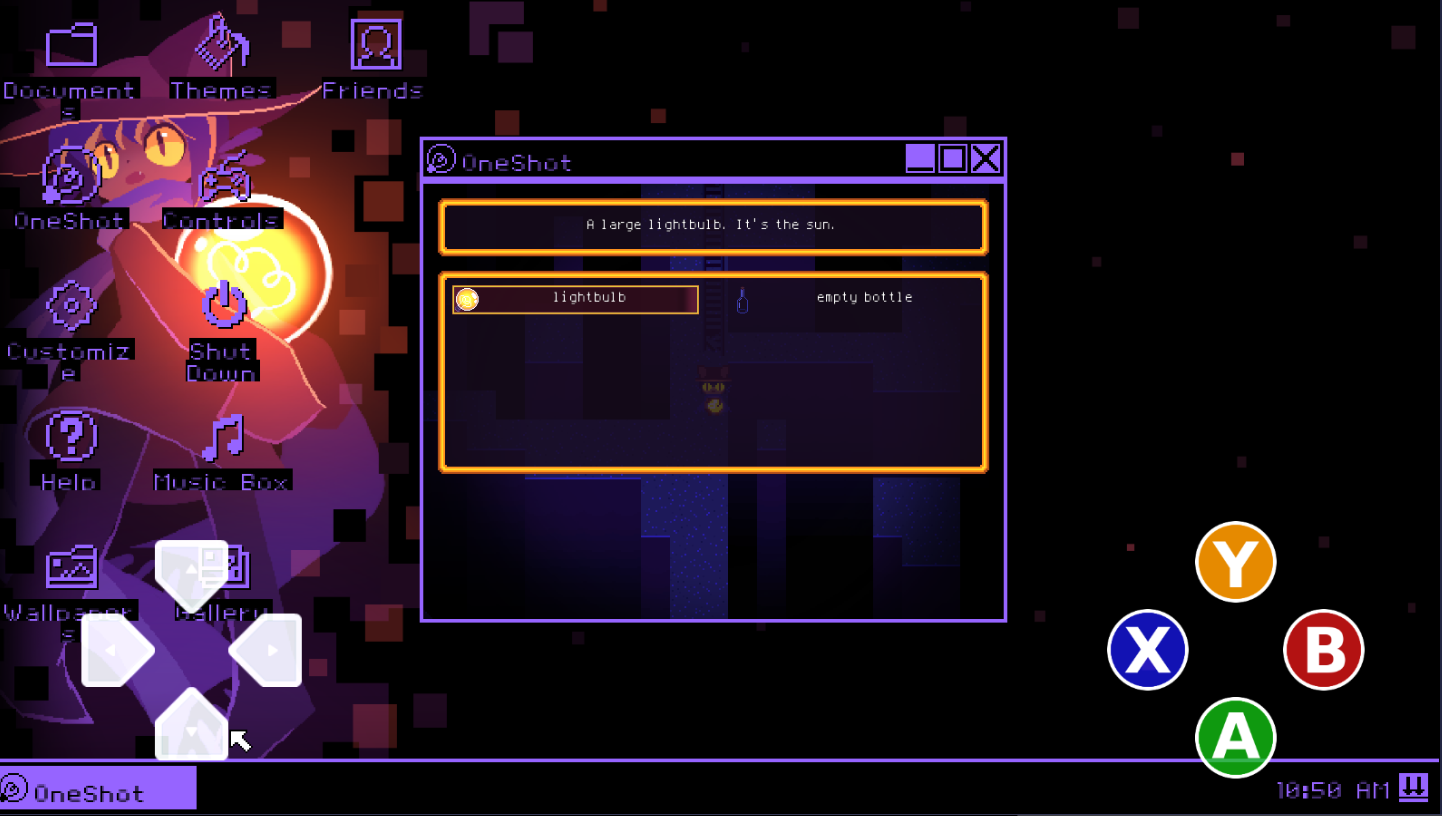
The touch overlay sends standard keyboard inputs under the hood, so Bluetooth controllers that emit keyboard events will work too.
Each direction → corresponding arrow key

Oh! You can play on your phone now? That means you can take the sun with you everywhere. That's amazing!
Something wrong?
Bug Reports
Please report bugs as a GitHub Issue — it keeps things trackable. Include your Android version, what happened, and how to reproduce it if you can.
Don't report bugs in Discord or comments. Open an Issue so nothing gets lost.
Made possible by
Credits
Get the game
Download
Grab the APK from GitHub Releases and sideload it. You'll need to have Install from unknown sources enabled — this varies by Android version and manufacturer, but it's usually under Security settings or in your browser/file manager's permissions.
Requires Android 6.0 (Marshmallow) or later. Run ResAdder first to inject your game files into the APK before installing.